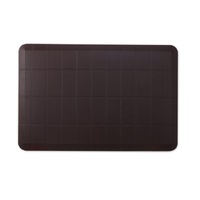
Accodata Desk Clamp Document Holder – Ergonomic Swivel Copy Holder (0200003)
Free delivery Australia-wide
Notify me when back in stock
Calculate Shipping
Description

WORKING POSITION
From desk surface to line of sight.
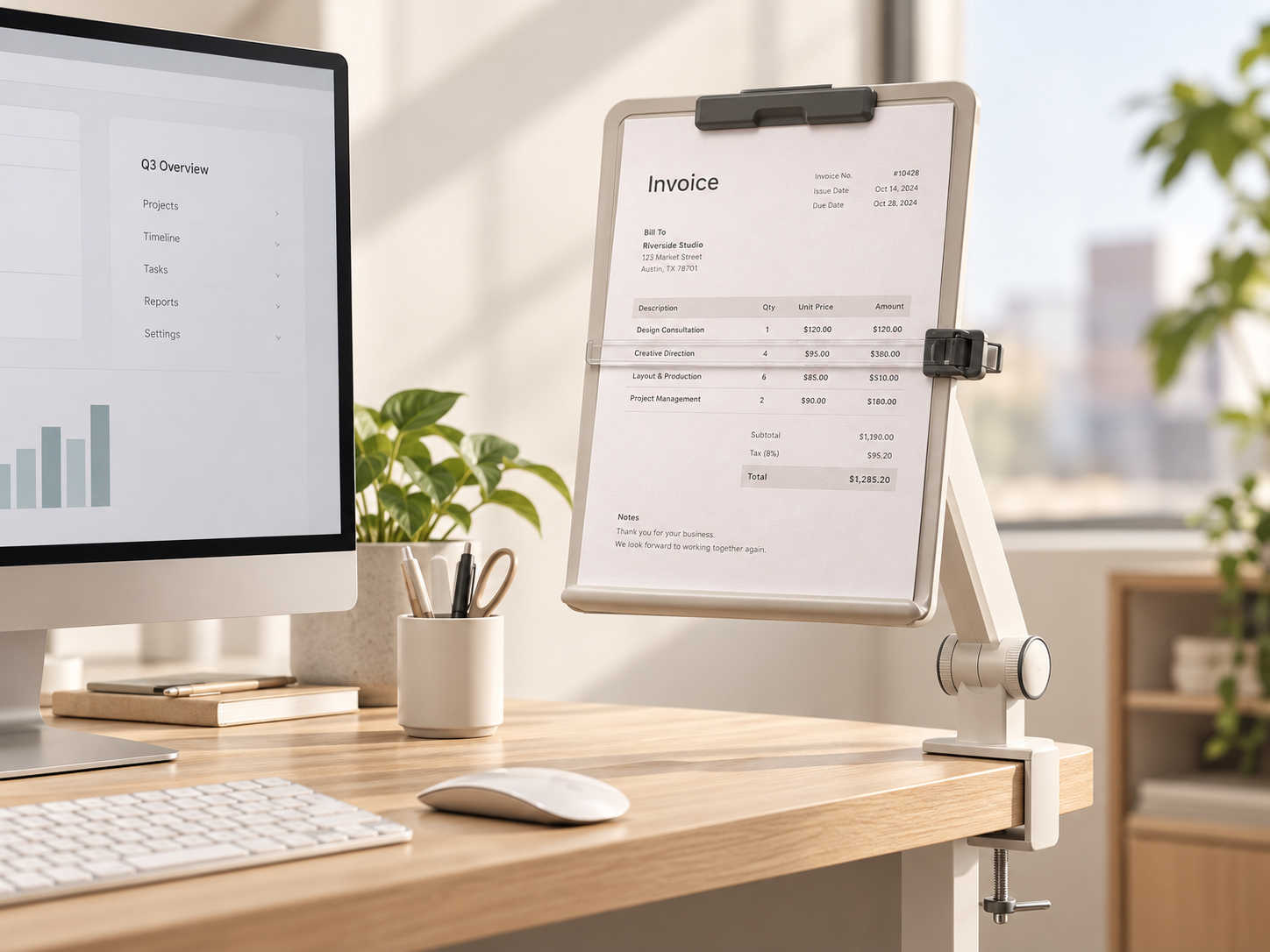
Instead of laying an active page flat beside the keyboard, the Accodata raises it into the same general working zone as your screen. For repetitive paper-to-screen tasks, that simple change is the entire point.
Loose paperwork sits flat, gets buried around the keyboard and forces your attention away from the screen every time you need another line.
Clamp it beside the monitor, swing the arm into position and keep the document upright, visible and easier to follow while you work.
PRODUCT ANATOMY
Five parts. One extremely specific job.
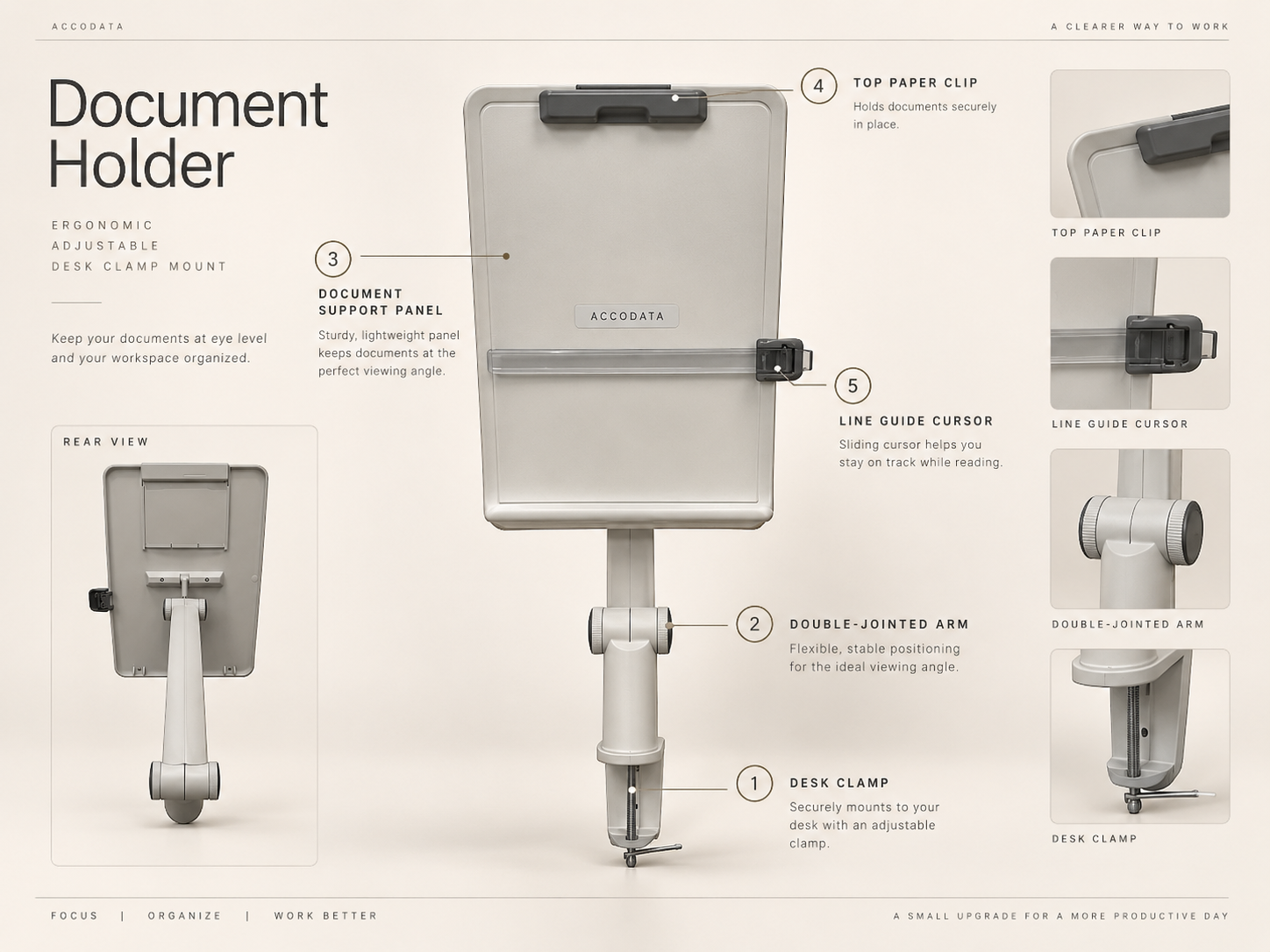
GLORIOUS
ADMINISTRATIVE
ENGINEERING.
BEHIND THE PAPER
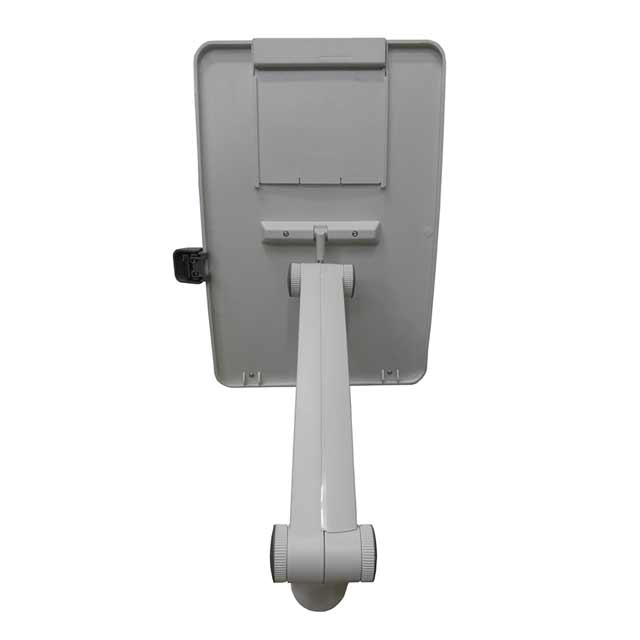
The useful bit is the arm.
The support panel is only half the story. The swivel, double-jointed arm is what lets the holder move from the desk edge into a practical reading position beside your monitor.
Tilt adjustment helps position the page around your working angle and overhead lighting, while the clamp mounting keeps the holder off the main desk surface.
THE SMALL DETAIL
Follow the page, not just the page holder.
The flip-away sliding cursor helps track a particular line while working through printed information. For long invoices, lists, schedules or reference sheets, it gives you a physical marker without writing on the document.
DIMENSIONS
Know the footprint before it hits the desk.
The holder measures approximately 450mm long × 200mm wide, with an overall height of approximately 300mm.
Overview ⌄
The Accodata office document holder clamps to the edge of a desk and positions printed paperwork upright beside a computer monitor. Its articulated arm, adjustable viewing angle, page support, top clip and sliding line guide make it particularly useful for repetitive tasks where information needs to be read from paper while working on screen.
Features ⌄
- Clamp-on desk document holder
- Swivel, double-jointed positioning arm
- Adjustable tilt and viewing angle
- Flip-away sliding line guide cursor
- Curved document support panel
- Top clip to help hold pages in place
- Keeps active paperwork upright and off the main desk surface
Specifications ⌄
| Model | 0200003 |
| Product Type | Desk clamp document holder / copy holder |
| Colour | Beige |
| Material | Plastic |
| Mounting | Desk clamp |
| Arm | Swivel, double jointed |
| Overall Size | Approx. 450mm × 200mm |
| Height | Approx. 300mm |
Setup & Positioning ⌄
- Clamp the holder to a stable desk edge near your monitor.
- Move the articulated arm until the document sits close to your normal screen viewing area.
- Adjust the tilt to suit your working angle and surrounding lighting.
- Place the page against the support panel and secure it with the upper clip.
- Move the line guide cursor to the row or section you are currently working from.
FAQ
Questions normal people apparently have about document holders.
Is this a document holder or a copy holder?
What is the sliding bar across the front?
Can the holder be repositioned?
What sort of documents is it useful for?
Where should I position it?
Finish the workstation.
(OF1447)